
Records, lists and search
Open any object, switch views, sort and search. Create, edit, clone or delete records, using the same page layouts as the web app.
With the Entryc app for iPhone and Android you view and update customers, appointments, tasks and opportunities from your phone, in the same data your team sees on their computers.
The salesperson between two meetings, the estate agent at a viewing, the engineer on site. They all need a customer's phone number, the next appointment, or a quick note of what was agreed, and they all end up with notes on their phone that someone has to type into the system later.
The Entryc app for iPhone and Android signs in to the same account you use on the web. Your objects, fields, layouts and permissions are the same, so whatever you change on your phone the rest of the team sees immediately. Download it from the App Store or Google Play.

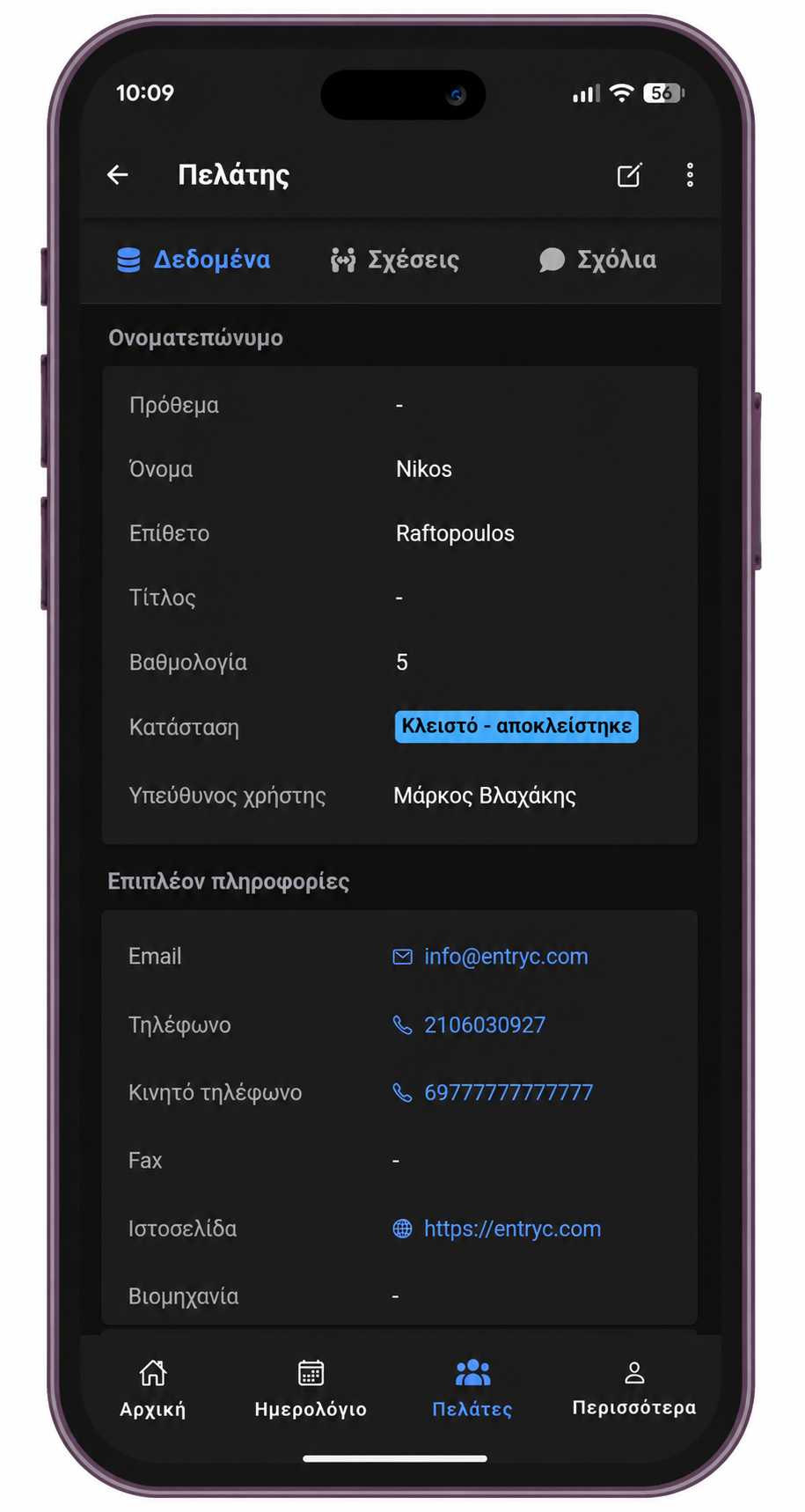
Open any object, switch views, sort and search. Create, edit, clone or delete records, using the same page layouts as the web app.
See each day's events, tasks and reminders, move between months, and add a new appointment or task on the spot.
See records by stage and move an opportunity to the next stage in a couple of taps.
Send email from your connected accounts, with templates and attachments, either now or scheduled for later.
Comment on a record, link related records and follow the ones you care about, so you find them all in one list.
Upload images and photo galleries from your phone, and fill in quote lines with product, quantity, discount and tax.
Find Entryc CRM on the App Store for iPhone or on Google Play for Android, and install it.
Use the email and password of your Entryc account. If you belong to more than one organisation, choose which one to work in.
Choose which objects appear on the home screen and in what order, and which fields show on the list cards.
Yes. Entryc CRM is on the App Store for iPhone and on Google Play for Android, with the same features on both.
No. The app is a free download on the App Store and Google Play and works with your Entryc account on any plan. Using it does not count towards your plan's API call limit.
Yes. The app reads and writes to the same account, with the same objects, fields, layouts and permissions. Changes appear on the web straight away.
Yes. Tapping a phone number on a record opens the call on your phone, and tapping an email address starts a new message.
Yes. The app supports English and Greek, and a light or dark theme, or the one your device uses.
The daily work, yes: records, calendar, pipeline, comments, relations and email. Account setup, such as objects, automations and reports, is done on the web, as is editing a few complex field types.
Properties and sites on a map, with search and one-click access to each record.
Send email through Gmail, Microsoft 365 or SMTP with templates and signatures, and keep the history on every customer.
A simple, affordable CRM with a free plan, mobile apps and ready-made models for your industry.
Stages with win probabilities, tasks created at each stage and a clear view of where every deal is stuck.
Create a free account, download the app for iPhone or Android and carry your CRM in your pocket.
Create Account